
Virtual Ruler for Screen & Objects
Overview
On-screen Ruler APK is a lightweight, free utility designed to transform any Android device into a functional measuring tool. It serves as a virtual ruler that appears as a floating overlay on the screen, enabling users to measure both digital elements and physical objects. The app is particularly useful for professionals such as UI testers and designers who require precise measurements of on-screen components. It also caters to casual users who need a quick and accessible way to gauge dimensions without carrying a physical ruler.
By leveraging screen overlay permissions, the app remains visible across other applications, allowing for real-time measurement during tasks like editing, design, or reviewing content. The core functionality revolves around accurate, on-the-fly measurements in either centimeters or inches, with the ability to switch between units seamlessly. The tool supports both horizontal and vertical orientations, providing flexibility for various measurement needs.
The developer, NeedJava, has focused on simplicity and accessibility, making the app easy to use without requiring technical expertise. While specific details about the developer’s background were not provided, the app’s clean interface and immediate usability suggest a user-centered design philosophy. It is suitable for both personal and professional use cases, especially in environments where portability and quick access to measurement tools are essential.
Key Features & Capabilities
- Floating Screen Overlay: The app displays a transparent ruler that floats over other apps, enabling measurements without switching contexts.
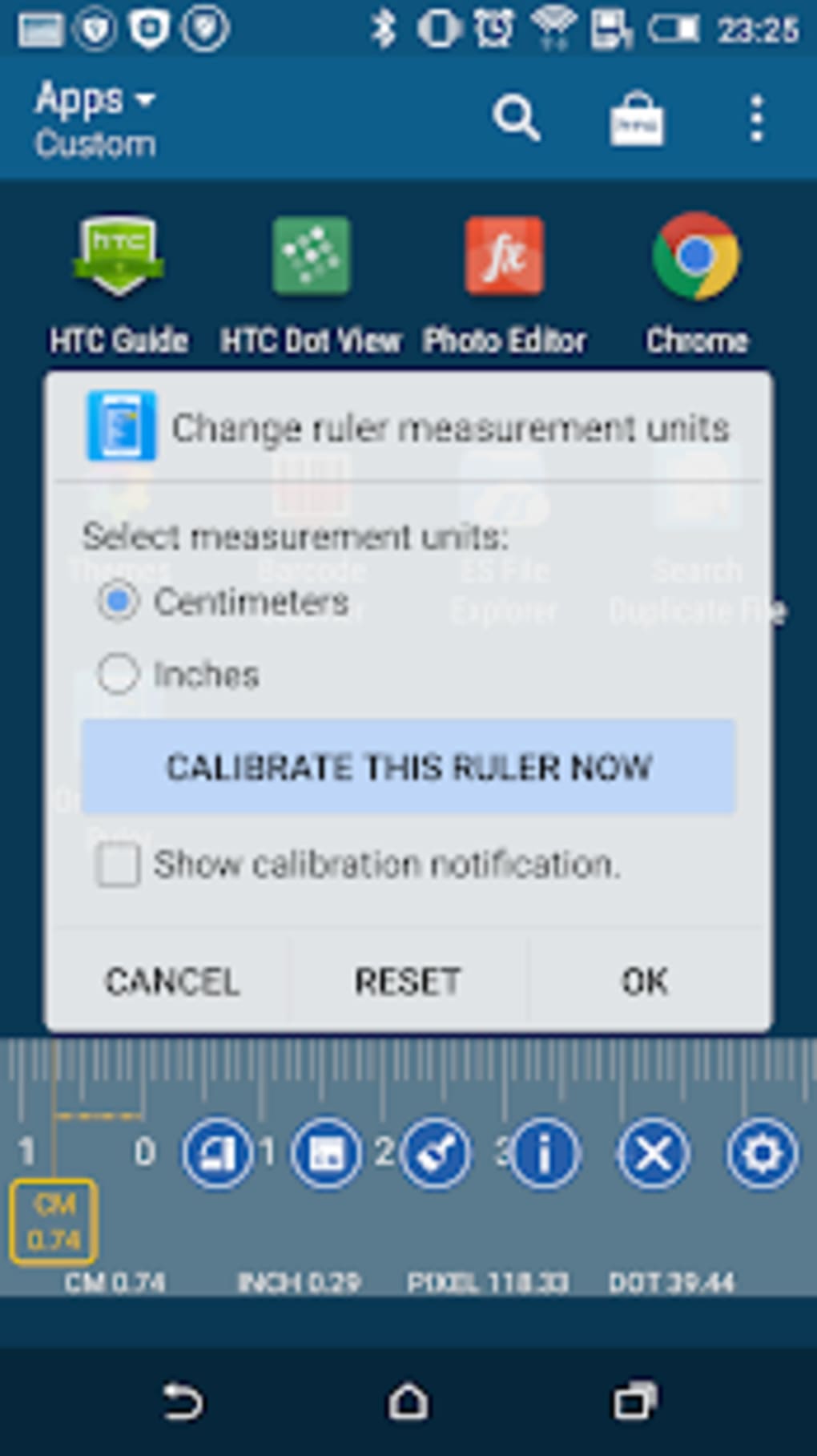
- Unit Switching: Users can toggle between centimeters and inches, allowing for international or project-specific measurement preferences.
- Orientation Flexibility: The ruler can be rotated to function horizontally or vertically, adapting to different measurement scenarios.
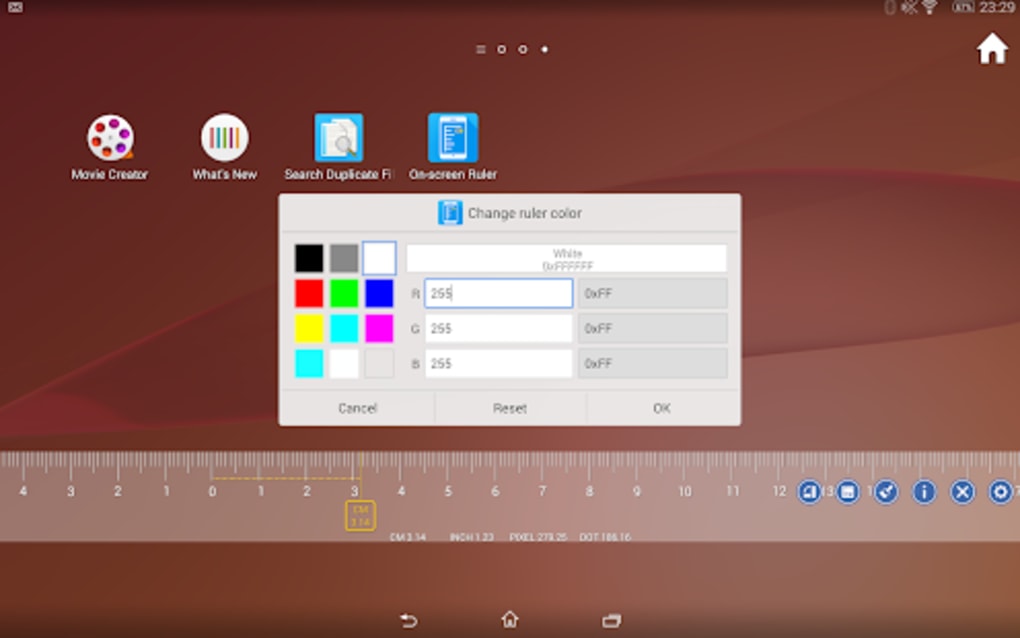
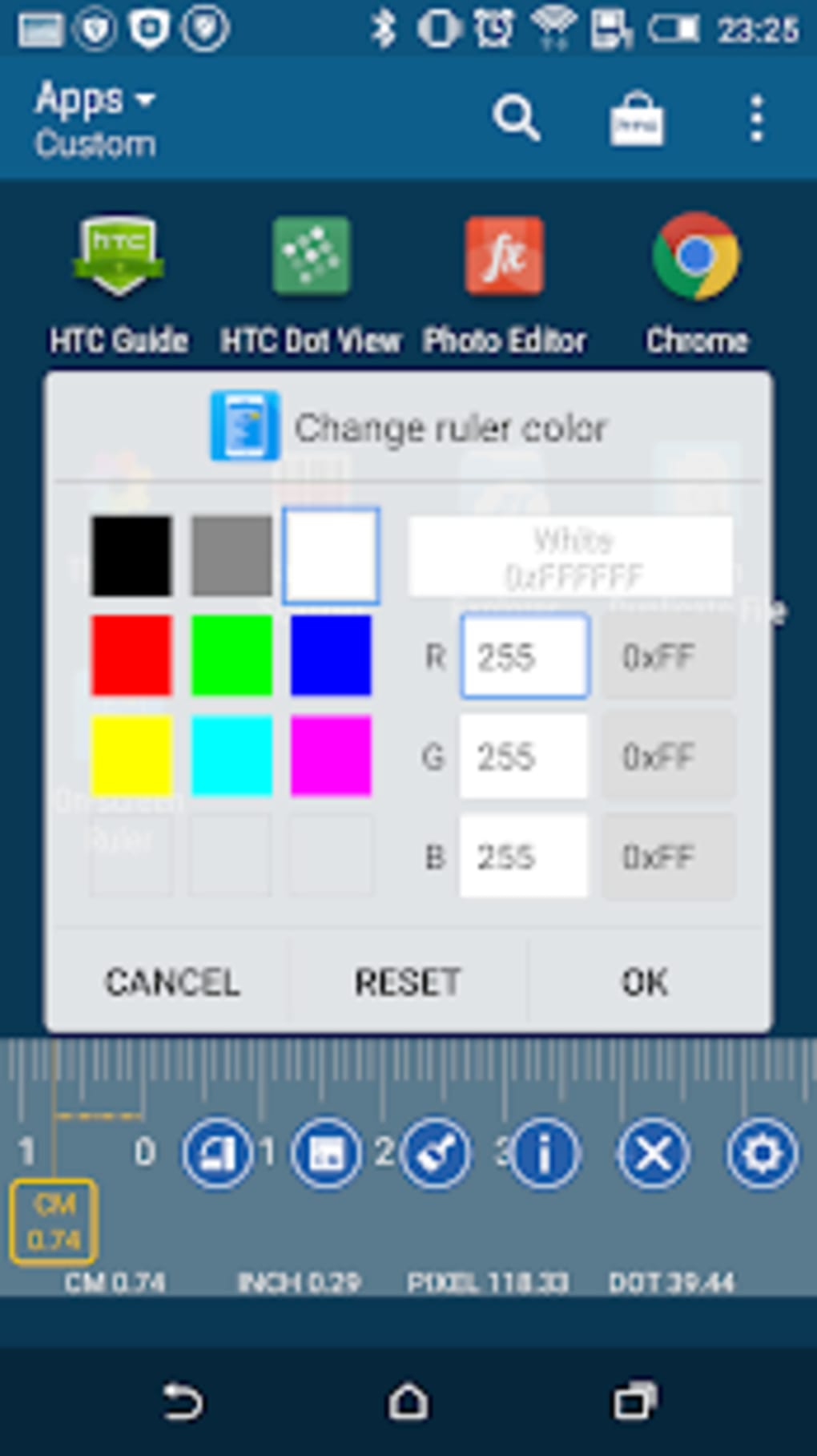
- Customizable Appearance: Users can modify the color of the ruler’s markings and hash marks, though color options are limited to predefined choices.
- Calibration Tool: A built-in calibration feature allows users to adjust the ruler’s accuracy if measurements appear inconsistent.
- Drag-and-Drop Positioning: The ruler can be freely moved across the screen to align with any starting or ending point.
These features make the app ideal for measuring UI elements, such as button sizes, spacing, or layout dimensions. Designers can use it to verify responsive layouts, while testers can validate consistency across screen resolutions. For everyday users, the tool offers a convenient alternative to physical rulers when measuring small objects like paper, fabric, or electronics.
The limited ruler length—up to 16 centimeters or 6 inches—means it may not suit extended measurements. However, for typical use cases involving screens or small items, this range is sufficient. The app’s ability to maintain visibility during multitasking enhances workflow efficiency, particularly in design and development environments.
User Interface, Workflow & Performance
The user interface of On-screen Ruler APK is minimalistic and intuitive, prioritizing ease of access over visual complexity. Upon launching, the app presents a clean, uncluttered screen with essential controls, including unit selection and color customization. Navigation is straightforward, relying on simple taps and drags to position and adjust the ruler.
Workflow efficiency is high, as the app requires minimal setup. Once permission is granted for screen overlay, the ruler appears instantly. Users can reposition it with a single touch, making it ideal for dynamic measurement tasks. The drag-and-drop functionality supports smooth, responsive movement across the screen, ensuring accurate alignment.
Performance observations are based on general software behavior patterns. The app is lightweight, with a file size of 10.5 MB, suggesting low resource consumption. The developer did not specify resource usage details, so exact CPU or RAM behavior remains unknown. Stability appears consistent, as the app maintains its overlay without frequent crashes or freezes during typical use.
Users may experience minor lag if the device runs multiple background processes, but this is not unique to the app. Overall, the performance is reliable for its intended purpose, especially on mid-range and higher-end Android devices.
Compatibility & System Requirements
On-screen Ruler APK is designed for Android operating systems. The app supports the latest versions of Android, though specific version requirements were not listed by the developer. It is compatible with a wide range of Android devices, including smartphones and tablets.
The installation size is 10.5 MB, which is compact and suitable for devices with limited storage. This small footprint ensures quick installation and minimal impact on device performance. The developer did not provide detailed hardware requirements, such as minimum RAM or processor specifications.
Exact system requirements were not listed. Compatibility information was partially provided. Users should ensure their device supports screen overlay permissions, which are standard on most modern Android versions. If issues arise, checking system settings for overlay access may resolve them.
Pros and Cons
Pros
- Free to download and use with no hidden costs
- Lightweight at only 10.5 MB, ideal for low-storage devices
- Supports both centimeters and inches for flexible unit selection
- Can be used over other apps via screen overlay permission
- Simple, intuitive interface suitable for all user levels
- Includes calibration for improved measurement accuracy
Cons
- Maximum measurement length limited to 16 cm or 6 inches
- Color customization options are restricted to predefined choices
- May not function properly on older Android versions without overlay support
- Screen overlay permission may require manual enablement in device settings
- No advanced features like measurement history or export options
FAQ Section
Is On-screen Ruler APK free to use?
Yes, the app is completely free to download and use with no in-app purchases or subscription fees.
Does the app require special permissions?
Yes, it requires screen overlay permission to display the ruler over other applications. This permission must be enabled manually in the device’s settings.
Can I use the ruler on any Android device?
The app is compatible with most Android devices that support screen overlay features. However, compatibility may vary depending on the device manufacturer and Android version.
How accurate is the measurement?
The app includes a calibration tool to adjust accuracy. Users can fine-tune the ruler if measurements appear inconsistent, though exact precision depends on the device’s screen resolution and calibration.
Is the app safe to download?
Yes, the app is developed by NeedJava and distributed through trusted channels. It does not contain malware or intrusive ads, making it a secure tool for daily use.
Final Thoughts
On-screen Ruler APK delivers a simple yet effective solution for users who need quick, accurate measurements on the go. Its ability to function as a floating overlay makes it indispensable for UI testers, designers, and anyone working with digital or physical objects. While it lacks advanced features like measurement history or export, its core functionality is solid and reliable.
The app’s lightweight design, free access, and straightforward interface make it a standout choice among similar tools. Despite limitations in ruler length and color options, it remains highly practical for everyday tasks. For professionals and casual users alike, it offers a convenient alternative to carrying physical measuring tools.
Download On-screen Ruler APK now





.png)

